How to Implement Smart Home Automation: Complete Guide
Learn how to set up and optimize smart home automation systems. Explore essential devices, technologies, and best practices for creating an intelligent home.
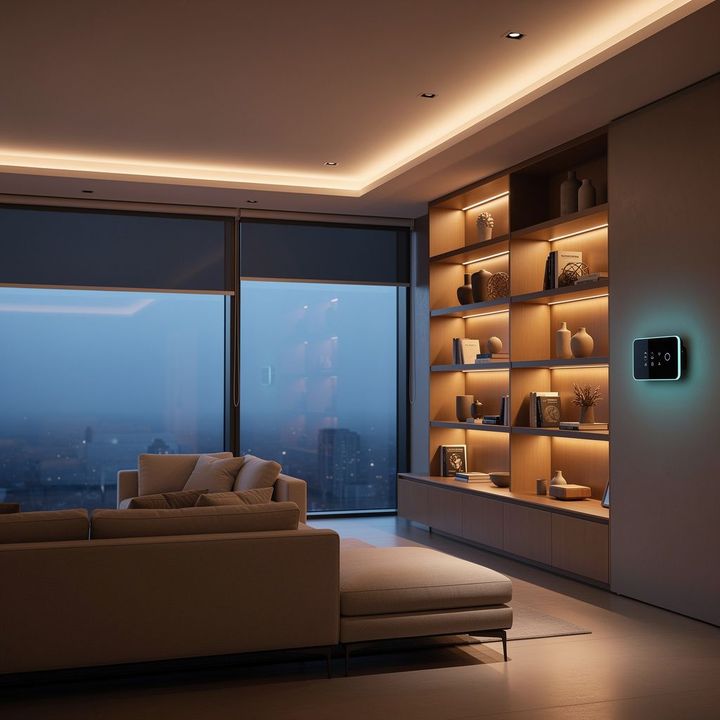
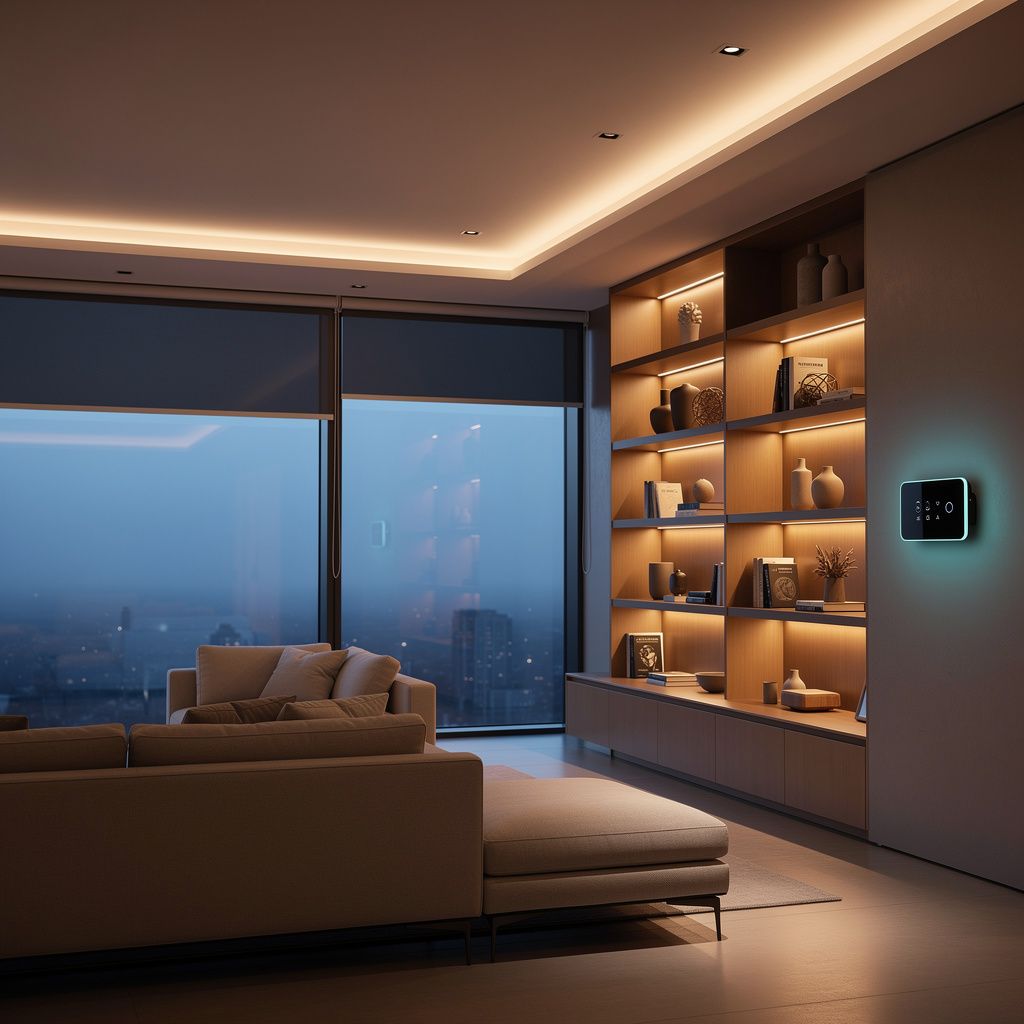
Smart home automation represents a significant shift in how modern households operate, allowing residents to control lighting, temperature, security, and entertainment systems through connected devices and centralized platforms. As technology becomes more accessible and affordable, homeowners increasingly recognize the value of automating routine tasks and monitoring their homes remotely. Understanding the fundamentals of smart home systems helps you make informed decisions about which technologies align with your lifestyle and budget.
Understanding Smart Home Automation Benefits and Limitations
Smart home automation offers numerous advantages that extend beyond simple convenience. Automated systems can reduce energy consumption by optimizing heating and cooling based on occupancy and preferences, potentially lowering utility bills. Security systems integrated with automation provide real-time monitoring, alerts, and remote access to cameras and locks, enhancing peace of mind. Lighting automation creates customizable scenes for different activities while reducing unnecessary electricity usage.
However, smart home systems come with considerations. Initial setup costs for devices and infrastructure can be substantial, and compatibility issues between different brands and platforms may complicate integration. Privacy and cybersecurity concerns require careful attention when connecting devices to networks. Additionally, technical support and maintenance demands vary depending on the complexity of your chosen system.
Types of Smart Home Automation Systems
Smart home automation encompasses several categories of devices and systems, each serving specific functions within your home.
Lighting and Energy Management
Smart lighting systems allow you to control brightness, color, and scheduling through apps or voice commands. Energy management systems monitor power consumption and help identify opportunities for efficiency improvements. Smart thermostats learn your preferences and adjust temperatures automatically, reducing heating and cooling costs.
Security and Access Control
Smart locks enable keyless entry and remote access management. Security cameras provide live monitoring and recording capabilities. Motion sensors, door and window sensors, and alarm systems integrate into comprehensive security networks that alert homeowners to potential threats.
Entertainment and Communication
Smart speakers and displays serve as central hubs for voice control and information access. Audio systems distribute music throughout the home. Video doorbells allow you to see and communicate with visitors remotely.
Appliance Integration
Smart refrigerators, ovens, washing machines, and other appliances can be monitored and controlled remotely. These devices provide notifications about maintenance needs and operational status.
Current Smart Home Automation Trends
The smart home industry continues to evolve with emerging technologies and changing consumer preferences. Voice control integration has become increasingly prevalent, with smart speakers serving as central hubs for home automation. Artificial intelligence and machine learning enable systems to learn user behaviors and automate actions based on patterns. Energy efficiency remains a priority as homeowners seek ways to reduce environmental impact and operating costs. Integration of renewable energy systems like solar panels with home automation allows for optimized energy management. Privacy-focused platforms are gaining attention as consumers become more conscious of data security. Wireless technologies like WiFi 6 and emerging standards improve connectivity and reliability.
Key Features to Prioritize in Smart Home Systems
When evaluating smart home automation options, certain features warrant careful consideration. Interoperability allows devices from different manufacturers to work together seamlessly. Scalability enables you to start small and expand your system over time. User-friendly interfaces make daily operation intuitive for all household members. Reliable connectivity ensures consistent performance without frequent disconnections. Local control options provide functionality even if internet connectivity is interrupted. Regular security updates protect against emerging threats. Integration with popular voice assistants expands control options. Automation routines allow you to create complex sequences triggered by specific conditions or schedules.
Comparison of Popular Smart Home Platforms
| Platform | Primary Hub | Device Compatibility | Voice Control | Local Control |
|---|---|---|---|---|
| Amazon Ecosystem | Echo devices | Extensive third-party support | Alexa | Limited |
| Apple HomeKit | HomePod/Apple TV | Certified devices only | Siri | Full local control |
| Google Home | Google Home devices | Wide compatibility | Google Assistant | Limited |
| Samsung SmartThings | SmartThings Hub | Broad device support | Bixby/Alexa | Available |
| Home Assistant | Self-hosted system | Extensive compatibility | Integration capable | Full local control |
Major Companies in Smart Home Automation
The smart home market includes established technology companies and specialized automation providers. Amazon leads the market with its Echo ecosystem and Alexa platform. Apple emphasizes privacy through HomeKit's local processing architecture. Google provides integration through Home devices and Assistant technology. Samsung offers SmartThings as a comprehensive platform. Philips Hue dominates smart lighting. Nest specializes in thermostats and security products. Wyze provides budget-friendly device options. Lutron offers advanced lighting control solutions. Honeywell delivers enterprise-grade automation systems. Smaller companies continue to innovate in specific categories like smart locks, sensors, and specialized controllers.
Selecting the Right Smart Home Automation Solution
Choosing an appropriate smart home system requires evaluating your specific needs and preferences. Start by identifying which areas of your home would benefit most from automation. Consider your technical comfort level and how much hands-on management you're willing to undertake. Evaluate the ecosystem you're already invested in—if you use Apple devices extensively, HomeKit may integrate more naturally. Research device compatibility to ensure your desired devices work with your chosen platform. Compare costs including hub devices, individual devices, and any subscription services. Review privacy policies and security measures implemented by different platforms. Test devices when possible to assess user interface quality and responsiveness. Plan for future expansion by selecting platforms with strong device ecosystems and active development.
Implementation Tips and Best Practices
Successful smart home automation implementation follows several key principles. Start with a single area or device category rather than attempting complete home automation immediately. This approach allows you to learn the system and identify potential issues on a smaller scale. Ensure your network infrastructure is robust with good WiFi coverage throughout your home. Use strong, unique passwords for all accounts and enable two-factor authentication. Position your hub device centrally to maximize coverage and reliability. Create automation routines that provide genuine value rather than automating actions for novelty. Document your setup including device locations, network names, and automation rules for future reference. Regularly update firmware and software to maintain security and functionality. Consider redundancy for critical systems like security and lighting. Involve all household members in the setup process to ensure everyone understands how to use the system.
Smart Home Automation Implementation Checklist
- Assess your home's current network infrastructure and WiFi coverage
- Identify priority areas for automation based on lifestyle needs
- Research and compare smart home platforms and ecosystems
- Evaluate device compatibility with your chosen platform
- Calculate total cost of ownership including devices and subscriptions
- Review privacy policies and security features of platforms
- Purchase a central hub device appropriate for your chosen platform
- Install and configure your hub with secure network settings
- Add devices one at a time and test each thoroughly
- Create automation routines that match your daily patterns
- Set up notifications and alerts for important events
- Enable security features like two-factor authentication
- Document your system configuration for future reference
- Schedule regular firmware updates and maintenance
- Train household members on system operation
Frequently Asked Questions About Smart Home Automation
What is the minimum investment needed to start with smart home automation?
You can begin with a single smart speaker or hub device and one or two connected devices, which might cost between fifty and two hundred dollars. This allows you to explore automation without significant investment before scaling up.
Are smart home systems difficult to install and set up?
Most modern smart home devices are designed for consumer installation with straightforward setup processes. Apps guide you through pairing devices and configuring basic settings. More complex installations may benefit from professional assistance.
How do I ensure my smart home system is secure?
Use strong passwords, enable two-factor authentication, keep firmware updated, choose platforms with strong privacy practices, use a dedicated network for smart devices if possible, and regularly review connected devices and permissions.
Can I use devices from different manufacturers together?
Many devices work across platforms through common standards and integrations, though compatibility varies. Research specific device compatibility before purchasing. Some platforms like Home Assistant offer broader compatibility than others.
What happens if my internet connection goes down?
Devices with local control capabilities continue functioning, though remote access and cloud-based automations won't work. Platforms like Apple HomeKit prioritize local control for this reason.
How much can smart home automation reduce my energy bills?
Potential savings depend on your current usage patterns and automation choices. Smart thermostats typically save ten to fifteen percent on heating and cooling costs, while smart lighting optimization provides additional savings.
Conclusion
Smart home automation represents an evolving landscape of technologies designed to enhance convenience, security, and efficiency in modern homes. By understanding the available platforms, device options, and implementation strategies, you can create a connected home environment that aligns with your specific needs and preferences. Start with careful planning and a clear understanding of your priorities, then build your system gradually. Stay informed about emerging technologies and security practices to maintain a safe and effective automation system. Whether your focus is energy savings, enhanced security, or improved convenience, smart home automation offers practical solutions for modern living.